Help
No planes are showing
Overfly shows aircraft within your chosen range. In a quiet area, tap the gear icon and set the range to 50 or 100 nautical miles. Some aircraft don’t broadcast their position, and coverage depends on volunteer receivers near you.
Overfly can’t find my location
Open the Settings app, tap Overfly, then Location, and choose While Using the App. Overfly uses your location only to find what’s above you.
Following a flight on the Lock Screen
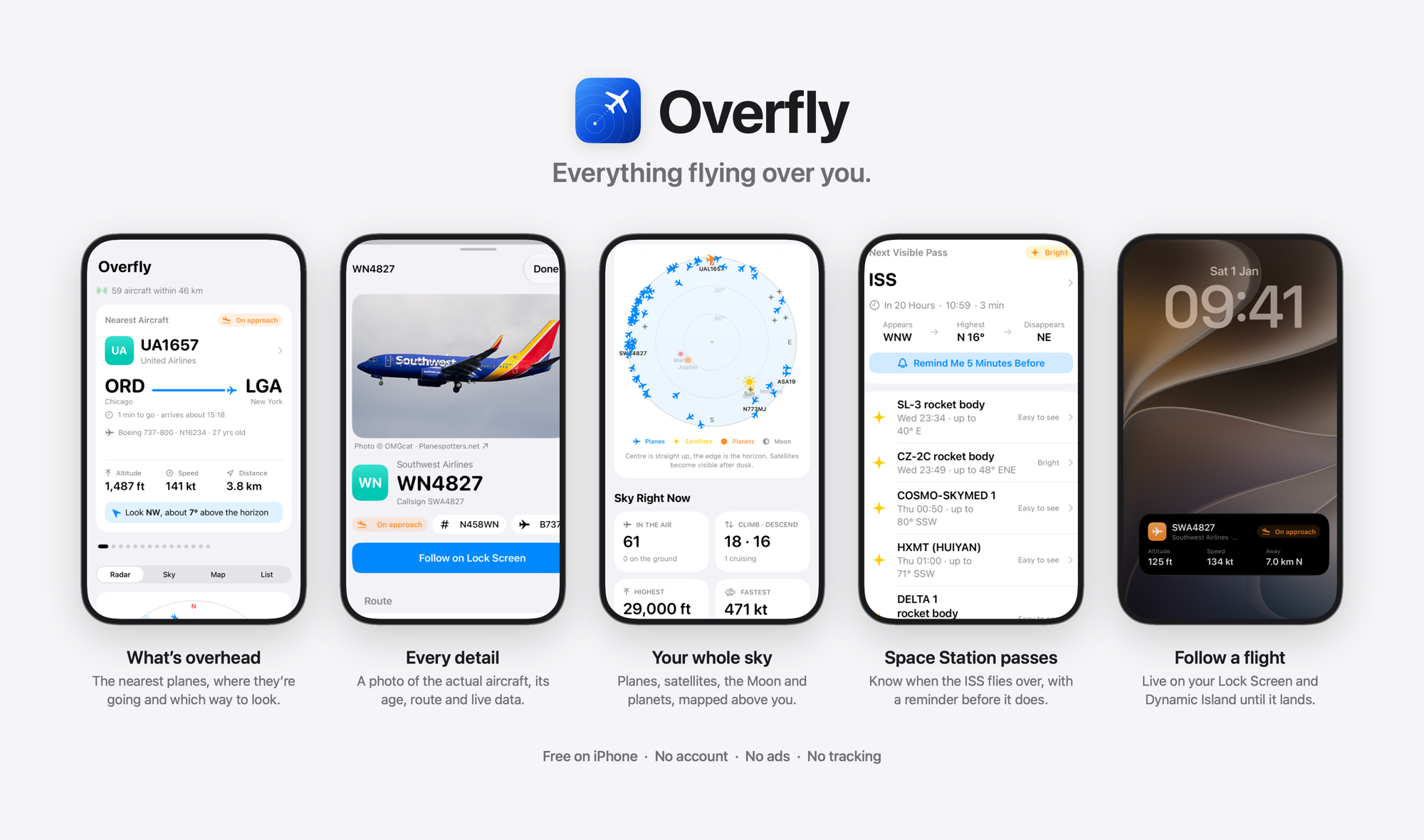
Open any flight and tap Follow on Lock Screen. It stays on your Lock Screen and in the Dynamic Island until the flight lands or you tap Stop. If nothing appears, check Settings › Overfly › Live Activities is on.
A flight’s route looks wrong
Routes come from published schedules and are sometimes out of date for a flight number. When a plane’s position doesn’t match its route, Overfly says “Route may be out of date” and doesn’t show an arrival time.
When can I see the Space Station?
Satellites are visible when your sky is dark but they’re still in sunlight, usually around dusk and dawn. Overfly lists the next visible passes and can remind you 5 minutes before.
Is the data accurate?
Flight data comes from community receiver networks and may be delayed or incomplete. Overfly is for interest only: don’t use it for navigation or anything safety-critical.